
YouTube Ads: formats, targeting and what you pay for
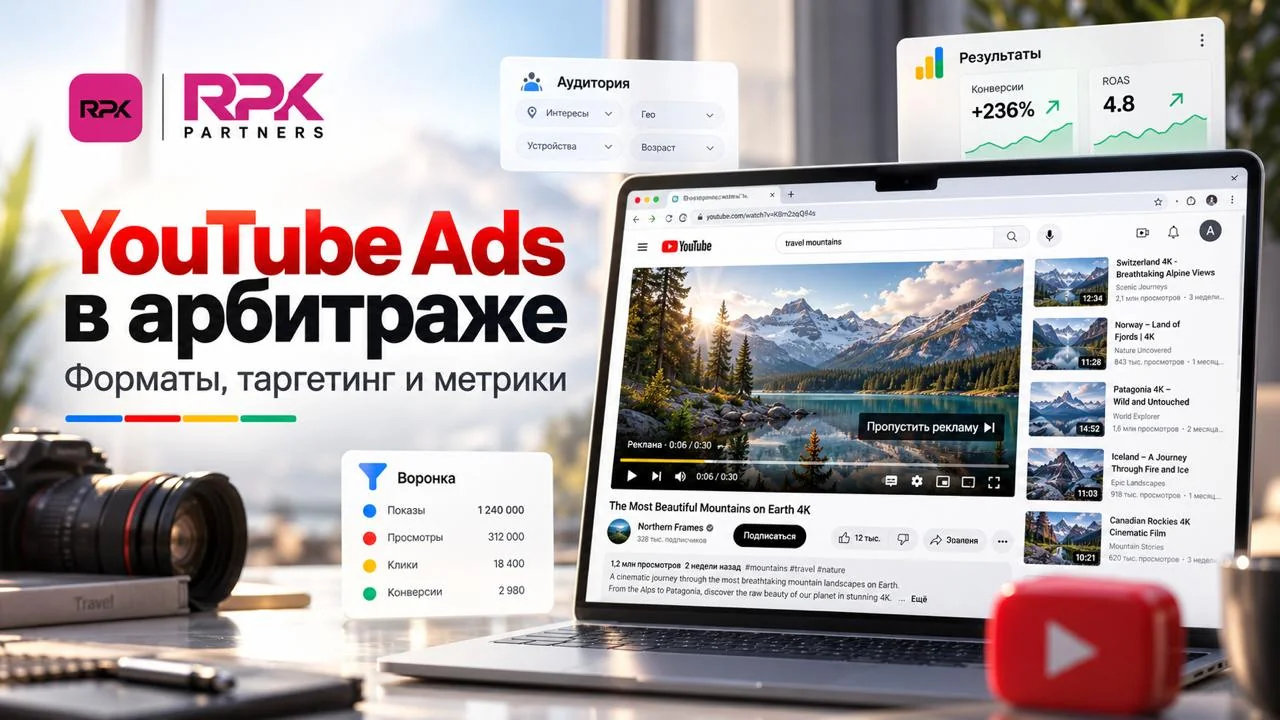
YouTube is not only a video platform — it is a full advertising channel inside the Google ecosystem.
Its value comes from a combination of things: an enormous audience, a large number of ad surfaces, and the ability to work both with a user's interests and with the content they are watching.
Launching on YouTube, however, is quite different from working with classic display banners. Uploading a video and picking an audience is not enough. The same creative can perform completely differently in long-form videos, Shorts or recommendations.
To test the channel properly, it helps to first understand where people actually encounter ads, which formats are available, and what action the advertiser ends up paying for.
YouTube Ads is not a single ad format
Two things often get mixed up in conversations about video advertising: the placement and the ad format.
The placement determines where the user sees the ad. It can be a video they were about to watch, the Shorts feed, search results, the YouTube home page or recommended content.
The format determines what the ad itself is like: whether it can be skipped, how long it runs, whether it carries a click-through button, and which action the ad system counts.
That distinction matters. Someone who deliberately opened a twenty-minute product review is in a completely different context from someone flicking through dozens of Shorts in a few seconds.
Treating both audiences the same way is rarely the optimal choice.
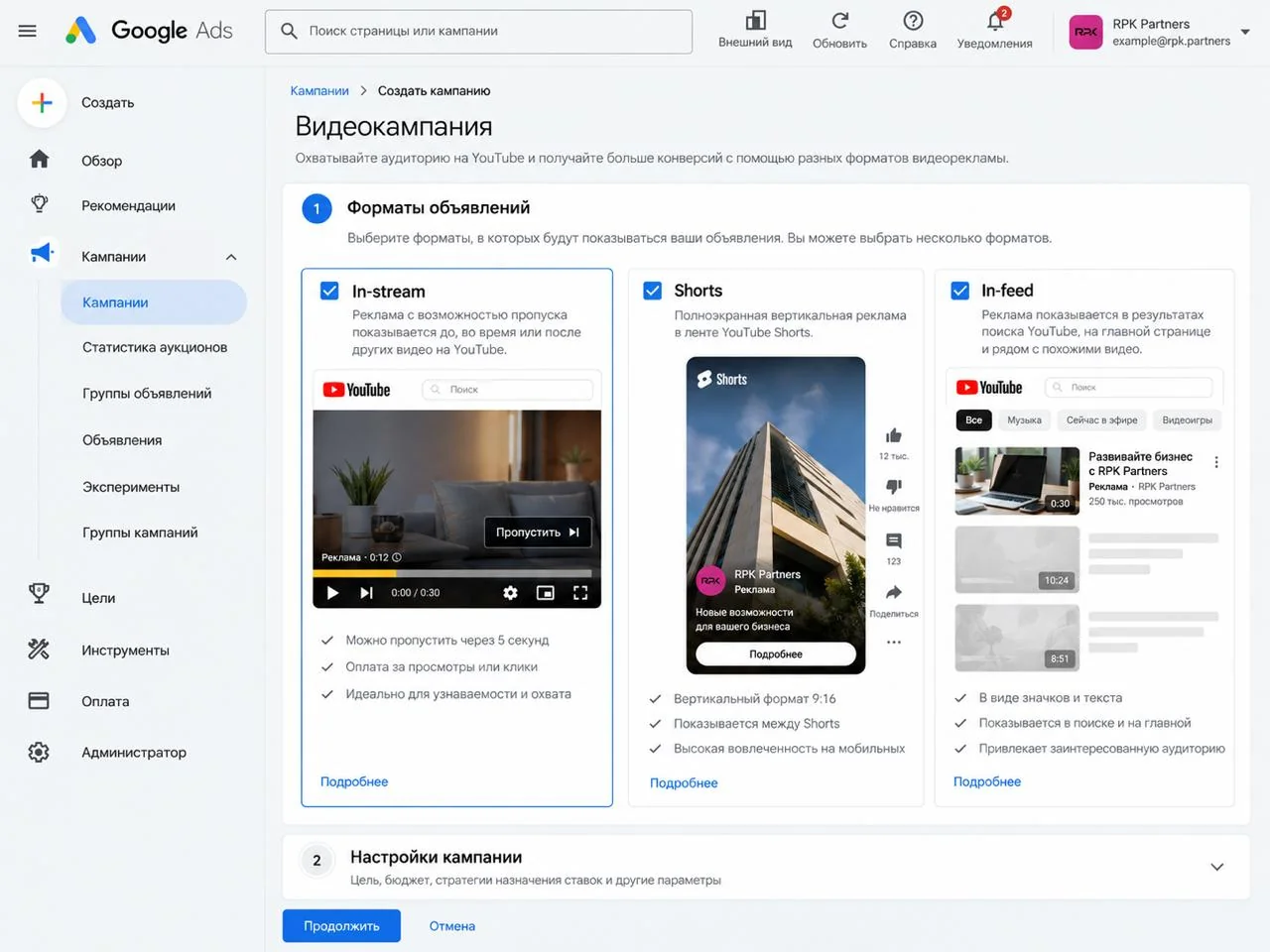
Where people encounter the ads
The most recognisable option is advertising inside regular YouTube videos. The ad appears before the chosen content starts, in the middle of playback, or after it ends.
The second large source of impressions is feeds and recommendations. The ad can look almost like a regular video: the user sees a thumbnail and a headline and decides for themselves whether to open it.
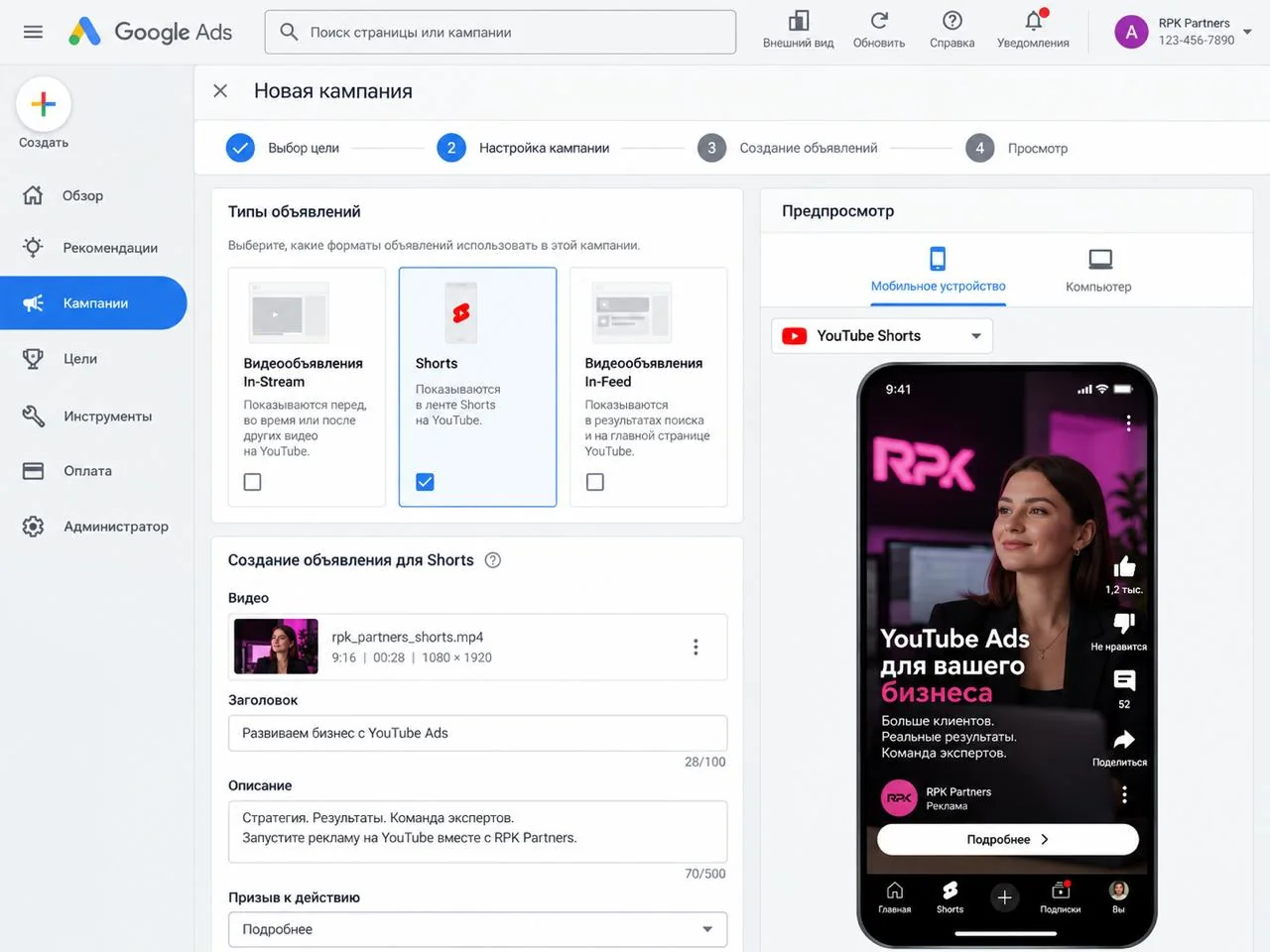
A separate ecosystem has formed around Shorts. Here ads are embedded directly into the stream of vertical videos. The viewer can move to the next clip almost instantly, so the advertiser has virtually no time to warm up.
There are also large brand placements on the YouTube home page, and some video campaigns can pick up impressions beyond YouTube itself, across Google's ad network.
Skippable ads: a few seconds to earn attention
Skippable in-stream is one of the most familiar types of YouTube advertising.
The user starts a video and sees an ad. After a few seconds, the option to move on to the main content appears.
That short window is the real test for the creative.
If the first seconds are spent on a long intro, a brand sting or an abstract story, a large share of the audience will simply hit «Skip».
That is why performance creatives usually open as densely as possible:
- name the problem;
- show the product immediately;
- demonstrate the result;
- ask a question that matches the audience's interest;
- open on an unexpected visual.
The viewer should grasp the core idea before they get a convenient chance to leave.
Ads can also carry elements that take the viewer to an external page, so an interested viewer can reach the landing page without waiting for the video to finish.
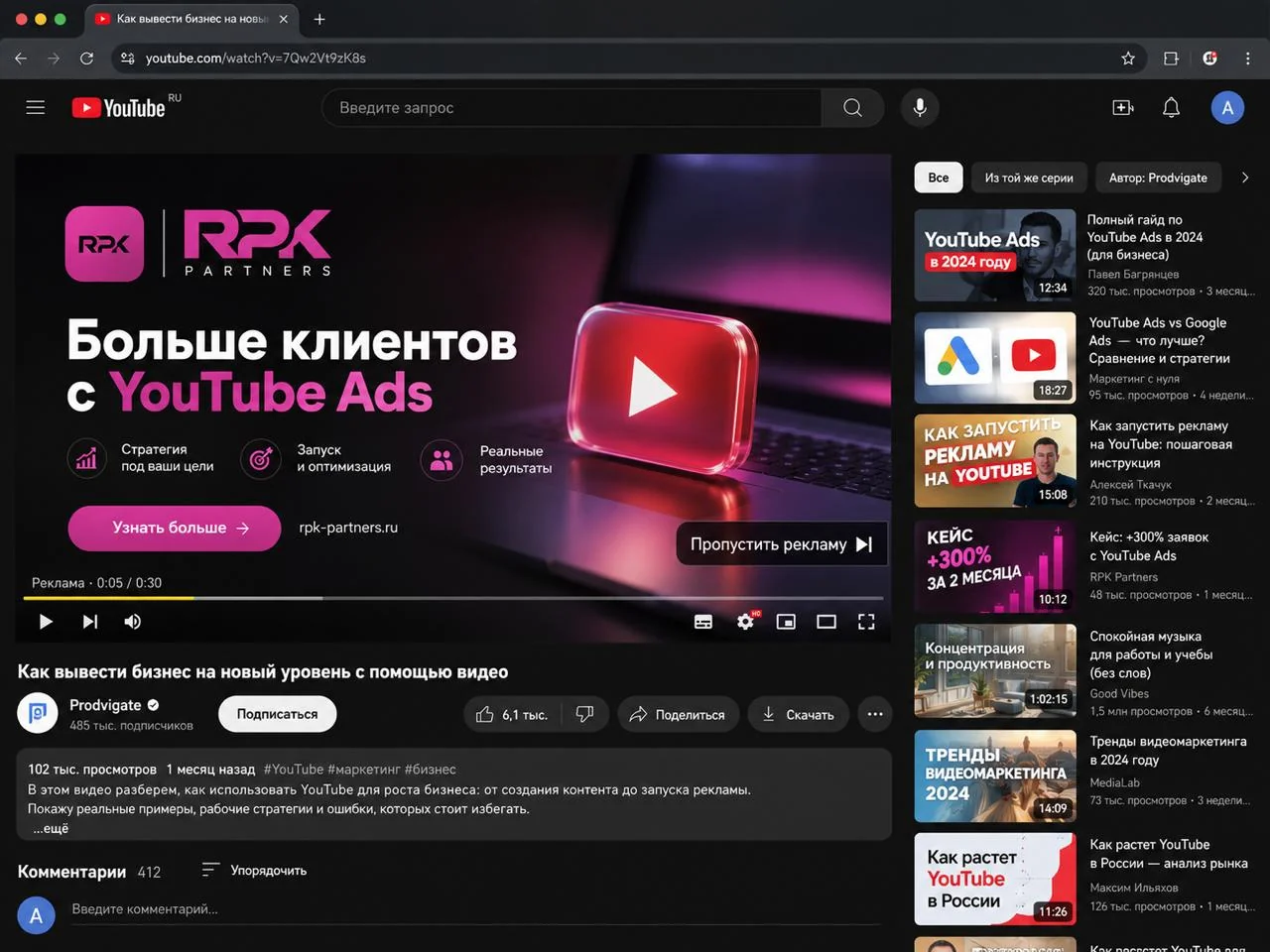
Non-skippable ads: paying for guaranteed contact
In this format there is no way to close the ad early.
These are typically used when the advertiser needs to be sure a short message reaches the viewer in full.
A completed view, though, should not automatically be read as strong interest. If someone physically could not skip the ad, the completion tells you mainly that the ad was played in full. The real value of the audience is better judged by what happens next: clicks, sign-ups, orders and other conversions.
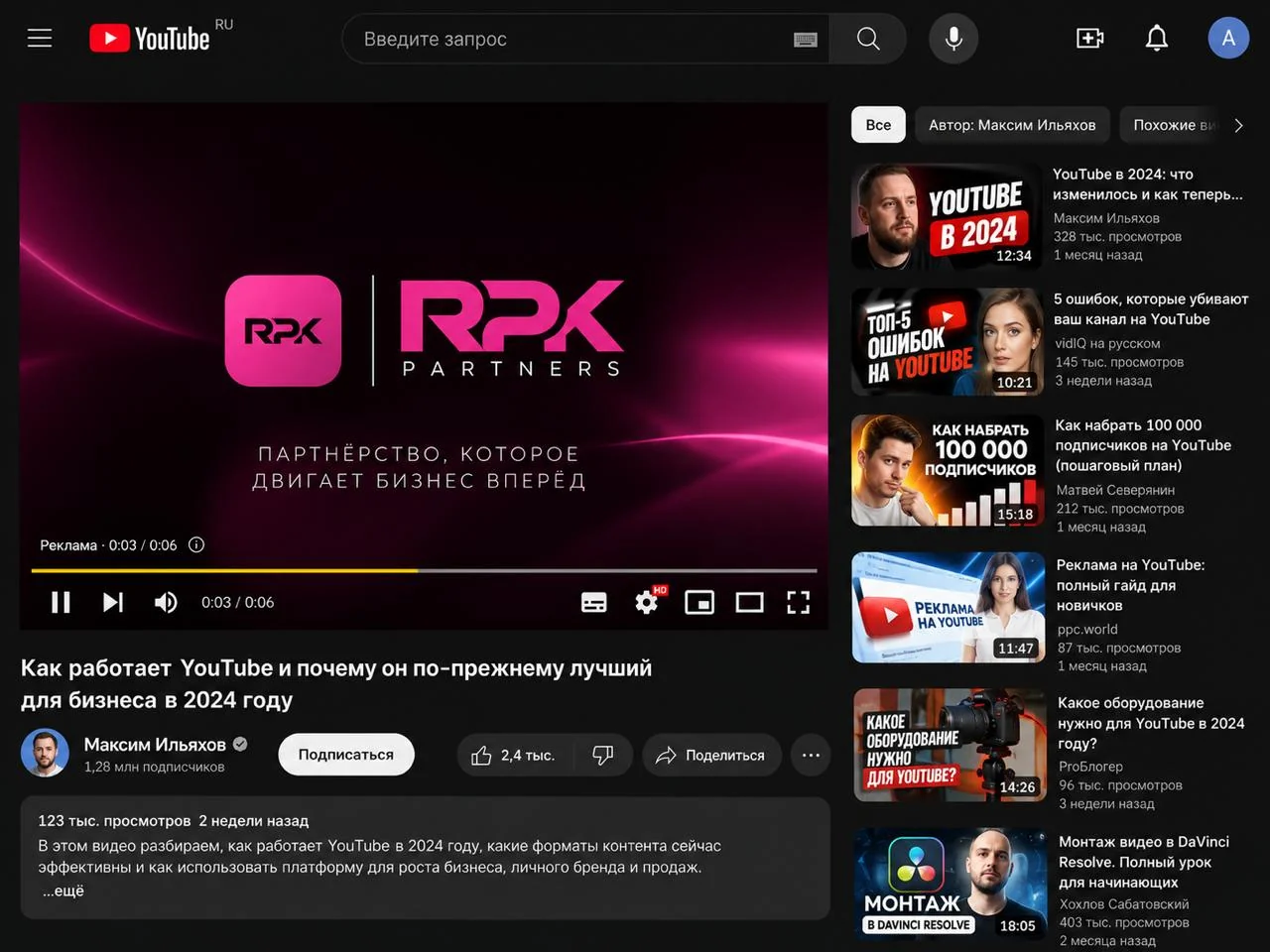
Bumper Ads: one idea in a few seconds
A bumper is an ultra-short non-skippable video.
There is practically no room to walk through a product story, list several benefits and close with an extended call to action.
So the clip is usually built around a single message. For example:
- «Compare prices before you buy»
- «Learn English in 10 minutes a day»
- «Order delivery right now»
- «Try the app for free»
In this format, simplicity often beats a complex script.
A bumper can also serve as an extra touchpoint for someone who has already seen a longer ad.
Shorts Ads: competing with an endless feed, not with other ads
Shorts calls for an entirely different creative logic.
The user is in fast-consumption mode: watch a few seconds, swipe, see the next clip. The advertiser competes not only with other companies but with the entertainment content all around.
That makes the opening frames critical. What works are devices that need no long set-up:
- show the product in action straight away;
- open with the result;
- use a dynamic close-up;
- demonstrate the app interface;
- state a clear offer as on-screen text.
If the main point only emerges halfway through the clip, a large share of the audience will never get there.
Another Shorts specific: it is a vertical environment. A creative mechanically cropped from a horizontal video usually performs worse than one shot for vertical from the start.
In-feed: the ad the user chooses to open
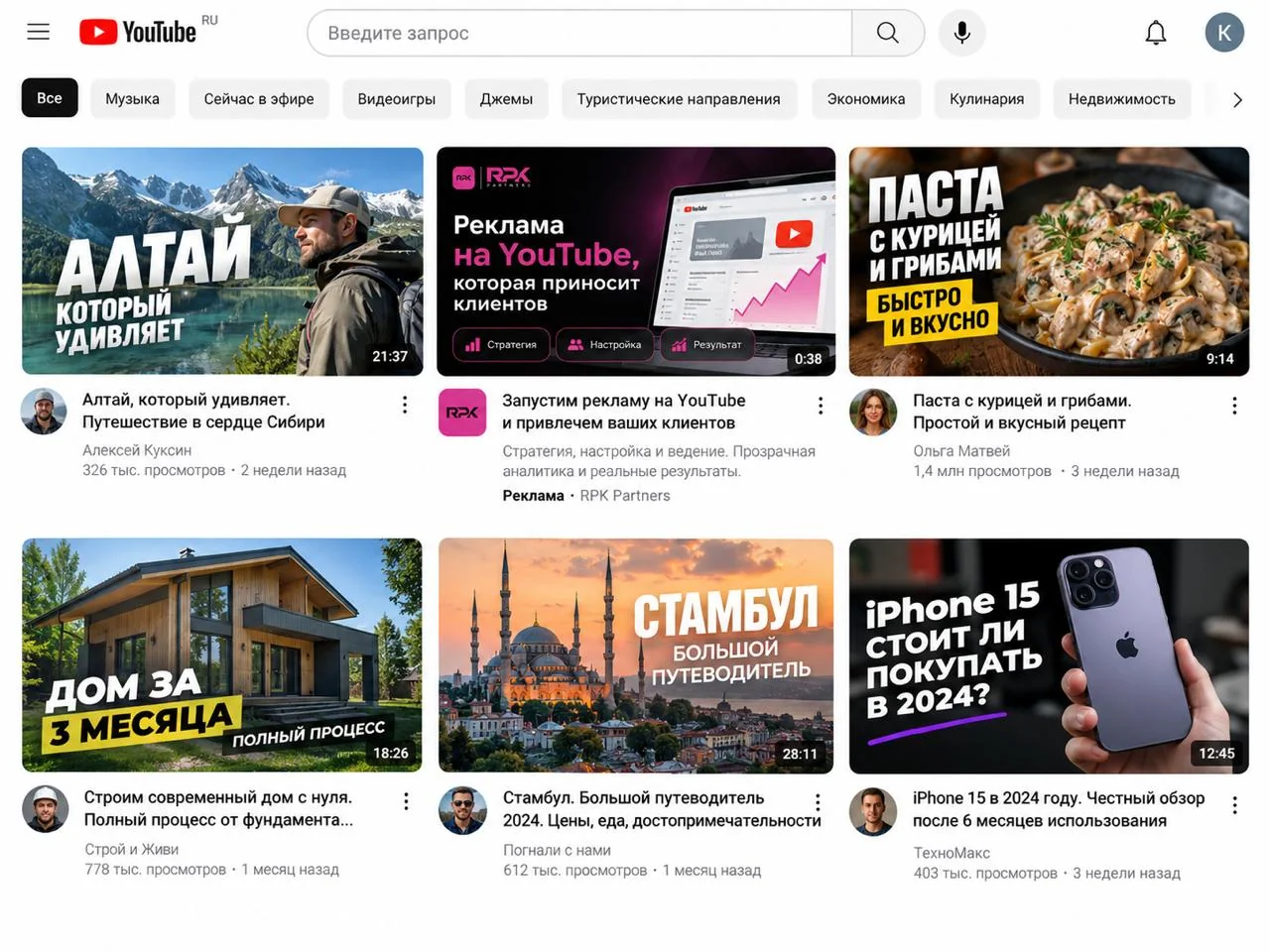
In-feed works differently. Instead of an unavoidable ad break, the person sees a video thumbnail and a headline. The ad can sit in search results, recommendations or other parts of YouTube.
Here the first step of the funnel happens before playback. You first have to sell the click on the thumbnail.
Which makes these carry a lot of weight:
- the thumbnail;
- the headline;
- the match with the user's current interest;
- a clear promise of what the video delivers.
Imagine someone searching for a comparison of two phone models. An ad titled «Which to choose: model A or model B?» fits naturally into that query.
But interest in the video does not mean readiness to buy. What happens next depends on the offer, the price, the landing page and trust in the product.
How YouTube decides who sees the ad
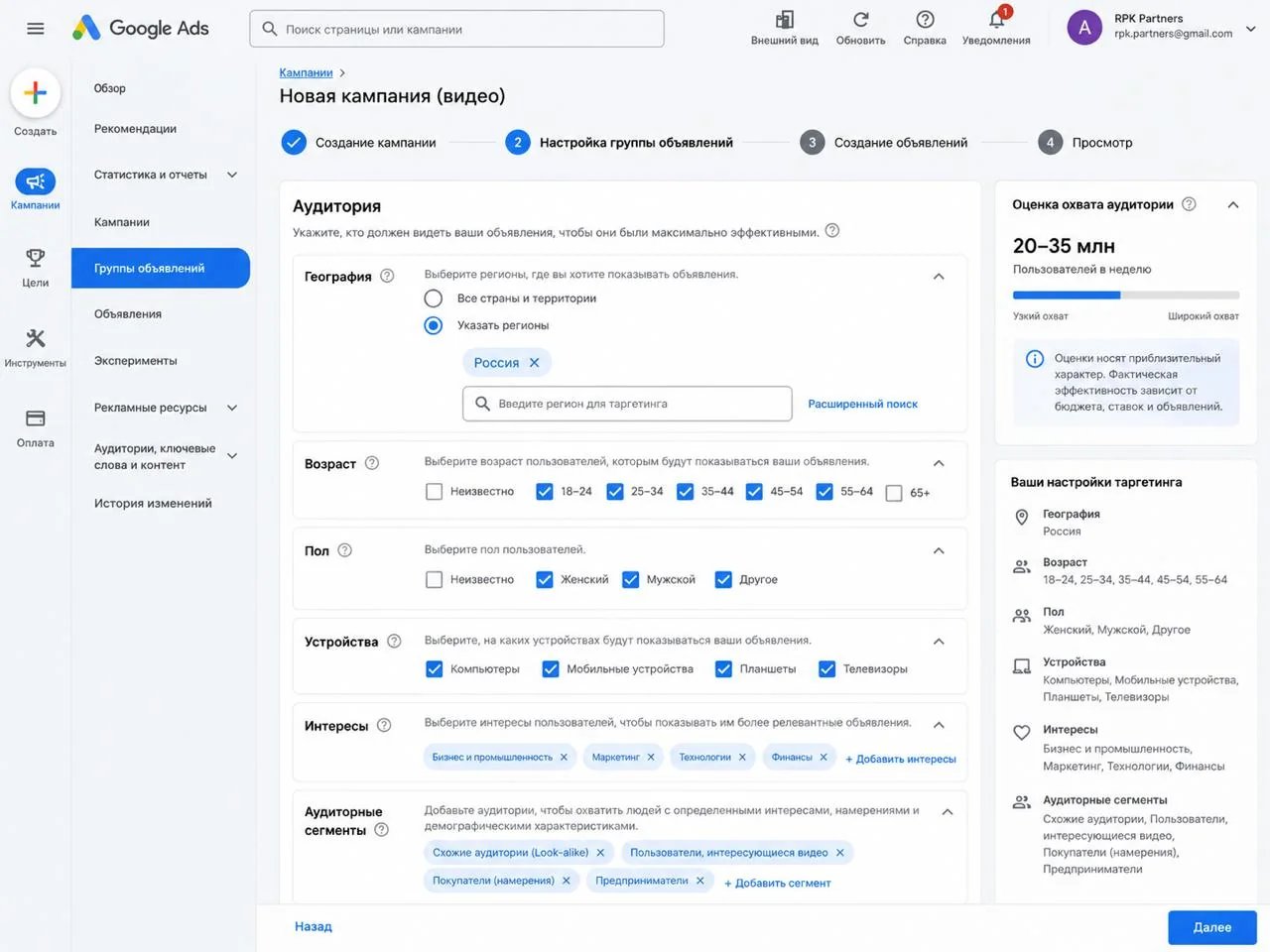
Simplified, targeting splits into two broad models. The first starts from the content. The second starts from the user.
Content-based targeting
The advertiser can work with content topics, keywords and the available placements.
Say you are promoting a language-learning service. It makes sense to look for the audience around content about English, exam preparation, travel or education.
How much manual placement control you get depends on the campaign type. The more control is handed to Google's algorithms and conversion optimisation, the less the setup resembles classic media buying against a pre-selected list of channels.
Audience-based targeting
The second approach answers a different question — not «what is this person watching right now?» but «what kind of user does the system think they are?».
That can draw on:
- demographics;
- interests;
- purchase intent;
- the advertiser's own segments;
- previous interactions with the site or product.
What you actually pay for: impression, view, click or conversion
Impression, view, click and conversion are different stages of engagement, and confusing them is expensive. An impression only means the ad appeared on screen.
A YouTube view is counted by its own rules for each format: for skippable ads it is around thirty seconds or a full watch of a shorter clip; for Shorts and in-feed it is roughly ten seconds or an interaction with the ad. Clicks and conversions come later in the chain — and they are what determine campaign economics.
So the payment model should follow the goal. If the goal is leads and sales, judging the campaign by view count is meaningless. If the goal is reach, judging the channel purely on direct sales is equally wrong.
What to analyse after launch
A first launch rarely settles the question of a channel's potential. Once data accumulates, it pays to break the campaign down across several levels:
- which formats bring traffic;
- how devices differ;
- what the actual placements turned out to be;
- how CTR and downstream actions behave;
- what a conversion costs in each cut of the data;
- which creatives hold attention better than others.
The funnel after the click deserves separate attention. Sometimes the ads bring people in successfully, but a weak landing page destroys the interest. In that case the problem is no longer in YouTube Ads.
How to approach the first test
It makes more sense to start from the product rather than from «which format works best right now?». First, get clear on:
- what action the user should take;
- how quickly the value of the offer can be explained;
- what level of intent a conversion requires;
- whether the product's result can be shown visually;
- what the person must understand in the first seconds.
Only then pick the format, build a creative suited to it and set up the analytics.
That is more reliable than launching a popular ad format first and then working out how to fit the offer into it.
In short
YouTube Ads is best understood not as a single video ad platform but as a set of different contact scenarios with the user.
In regular videos the advertiser tries to intercept attention ahead of chosen content. In Shorts there are only moments before the next swipe. In search and recommendations the headline and thumbnail do the heavy lifting, because the user decides whether to open the ad at all.
Performance here therefore depends on more than targeting. The format, the moment of the impression, the first seconds of the creative, the offer, the landing page and the chosen optimisation model all shape the outcome together.
And the core principle stays the same for any performance channel: good-looking numbers inside the ads interface only mean something when they lead to the business result you needed.
Want to run video ads and know exactly what you are paying for?
The RPK Partners team will review your product, match formats to the goal and set up conversion tracking, so decisions come from numbers rather than view counts.
Request a consultationRead next
 How much Facebook and Instagram ads cost in Europe